
Project Zomboid server hosting
Persistent apocalypse for a regular group, with a mod list that never stops growing.
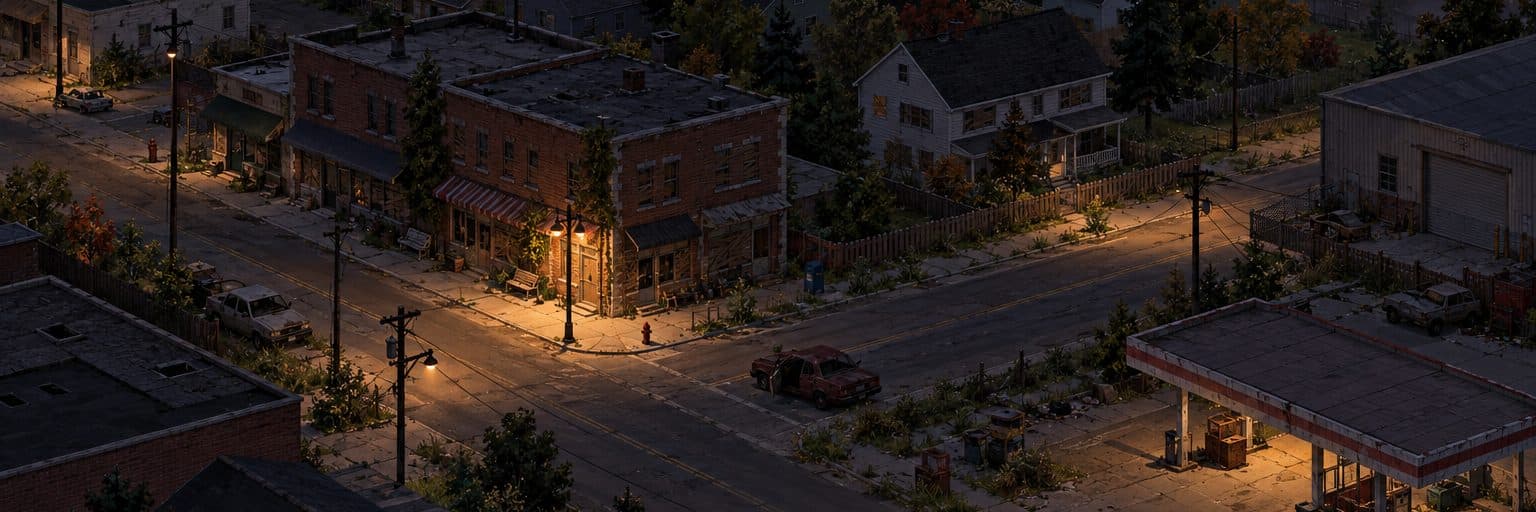
What you get
- Installs and starts by itself after you order
- Sandbox settings editable in the panel
- Safehouse-friendly scheduled restarts
- A free 10-slot Mumble voice server to go with it (one per account)
No ports, no router settings
The server runs on our machines, not yours. It gets a port of its own on our address, so there is nothing to forward on your router, nothing to leave open overnight, and your home connection is never handed out to players. Your upload speed stops being the thing that decides how many people can join.
Never run a server before? Read the beginner guide to see every step, from joining to mods.
Project Zomboid server sizes and prices
Every size includes the same features. We suggest 4–8 GB for Project Zomboid; you can move up or down later.
| Plan | Memory | Per month |
|---|---|---|
| Scout | 2 GB | $5 |
| SquadRecommended | 4 GB | $10 |
| Warband | 8 GB | $18 |
| Legion | 12 GB | $26 |
| Empire | 16 GB | $34 |
About our Project Zomboid servers
A Project Zomboid server keeps your apocalypse running for a regular group, with safehouses that stay put between sessions. It installs and starts by itself, and you can edit sandbox settings, PvP, passwords and public listing in the server files.
Add Steam Workshop mods by listing their Workshop and mod IDs in the settings file; the server downloads them as it starts. Scheduled restarts keep a long-running world healthy.
Project Zomboid server questions
- How do I add Workshop mods to Project Zomboid?
- In the server .ini file, add each Workshop ID to WorkshopItems= and each mod ID to Mods=, separated by semicolons, then start the server.
- How do I become admin?
- Log in with the admin username and password from the Startup tab, or set your own account to admin from the panel console.